
Why Understanding Internet Types Matters
Understanding different internet types is essential before choosing a plan, because speed alone does not tell the full story of how your connection will perform at home. Most people compare internet plans by looking at the big number on the package 300 Mbps, 1 Gbps, “blazing fast.” But there’s a lot more going on beneath the surface.
Different internet technologies work in different ways, and that has a direct impact on what you actually experience at home. Things like:
- Why your connection slows down during dinner hours
- Why Zoom calls glitch, even when your speed test looks fine
- Why uploading a file can take five seconds or five minutes
- Why storms can cut off your internet altogether
This guide breaks down the four most common internet types fiber, cable, DSL, and satellite in plain language. No hype, no confusing terms. Just a clear, honest look at how each one works, what it feels like to use, and what matters most beyond speed.
You don’t need to be a tech expert to make a smart internet decision. You just need the truth, simply explained. That’s what we’re here for.
The Metrics That Matter (Before We Compare Anything)
Before comparing internet types, it helps to understand the metrics that shape real world performance.
These terms show up in every internet plan but they’re often misunderstood. Here’s what they actually mean for you.
1. Download Speed
What it is: How fast data gets from the internet to your device.
Why it matters: It affects streaming, loading websites, downloading apps or updates.
Most ISPs advertise this number the loudest but it’s only part of the picture.
2. Upload Speed
What it is: How fast your device can send data back to the internet.
Why it matters: It impacts video calls, sending files, live streaming, and cloud backups.
Cable and DSL often offer much lower upload speeds than fiber, which can cause choppy Zoom calls or long upload times. Don’t overlook it especially if you work from home or use cloud storage.
3. Latency
What it is: The time it takes for data to travel between your device and its destination often measured in milliseconds (ms).
Why it matters: It affects how “responsive” your connection feels critical for gaming, video calls, or any real-time activity.
Low latency = smooth experiences. High latency = delays, lags, and voice interruptions. Satellite, for example, tends to have very high latency because of the long distance signals must travel.
4. Stability (Including Congestion & Signal Interference)
What it is: How consistent your internet is over time including how it handles heavy usage or external disruptions.
Why it matters: Even fast internet can feel slow if it cuts out or drops in quality throughout the day.
Things that affect stability:
- Congestion: Cable internet can slow down during peak evening hours because neighbors share the same connection line.
- Weather: Satellite internet is sensitive to rain, snow, or thick cloud cover.
- Wiring & distance: DSL weakens the farther your home is from the provider’s network hub.
Understanding these four factors helps cut through the marketing and prepares you to see the real pros and cons of each internet type.
Fiber Internet Explained Among Modern Internet Types
How Fiber Works
Among modern internet types, fiber delivers the most consistent performance because of how the technology works. Fiber internet uses thin strands of glass about the width of a human hair to transmit data using light. Yes, actual light signals.
That’s what makes fiber different from other types of internet: it doesn’t rely on metal cables, electrical signals, or line of sight like satellites. Instead, it sends information at near light speed over a dedicated line directly to your home.
The result? Fast, stable, and incredibly reliable internet.
Real-World Performance
Here’s what fiber internet feels like in everyday life:
- Consistent speeds — even during peak hours (no neighbor slowdown)
- Symmetrical upload and download — great for Zoom, YouTube uploads, or large cloud backups
- Low latency — ideal for online gaming, remote work, and live collaboration
- No degradation over distance — unlike DSL, fiber doesn’t get weaker the farther you live from a network hub
In short, it’s the most “set it and forget it” internet type stable, quiet, and efficient.
Pros
- Extremely fast speeds (often 500 Mbps to 2 Gbps or more)
- Uploads just as fast as downloads
- Not affected by weather, distance, or neighbor usage
- Future ready for heavy streaming, smart homes, remote work
Limitations / What to Watch Out For
- Still not widely available in many U.S. neighborhoods
- May require technician installation and new cabling
- Monthly costs can be higher than cable or DSL especially if bundled with TV/phone
- Some providers offer “fiber-backed” plans that aren’t full fiber-to-the-home (read the fine print)
Best For
- Work-from-home professionals
- Content creators (YouTube, Twitch, photography)
- Families with multiple streamers/gamers
- Households using cloud storage, video calls, or smart devices regularly
Cable Internet Explained: One of the Most Common Internet Types
How Cable Works
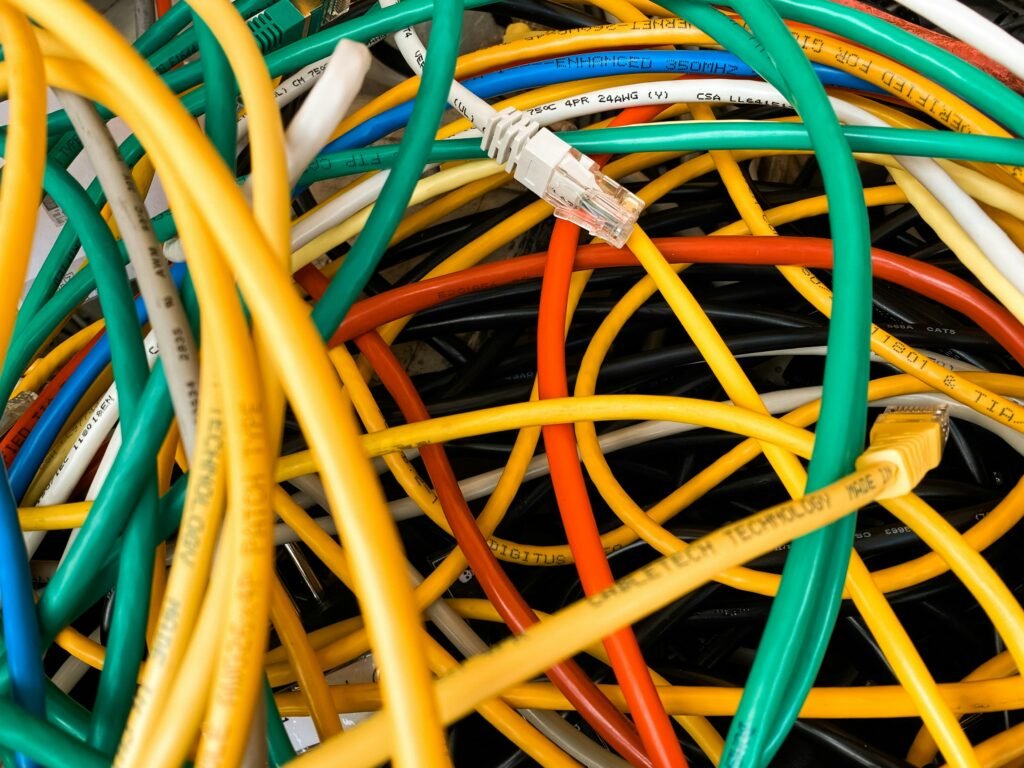
Cable internet uses the same coaxial cables that were originally built for television. These cables carry data using electrical signals and connect to a neighborhood node that splits bandwidth among nearby homes.
In simple terms, cable internet is shared you and your neighbors are tapping into the same local pipe.
That shared nature is why speeds often drop in the evening, when everyone’s online at once.
Real-World Performance
What cable internet looks like in day-to-day use:
- Fast downloads, often 300 Mbps to 1 Gbps
- Much slower uploads, typically capped around 10–35 Mbps
- Evening slowdowns are common in busy areas
- Generally stable for video streaming and browsing
Cable can be reliable but it depends heavily on how many people nearby are using it at the same time.
Pros
- Widely available in urban and suburban areas
- Fast download speeds at competitive prices
- Installation is often quick if you already have cable lines
- Great for streaming, web browsing, and casual use
Limitations / What to Watch Out For
- Upload speeds are low not ideal for large backups or frequent video calls
- Speed may drop during peak hours (6–10 p.m.) due to network congestion
- Shared infrastructure means experience varies by neighborhood
- May include hidden fees for equipment or data overages (read your bill)
Best For
- Streamers, browsers, and households with typical internet habits
- Families that mostly use Netflix, YouTube, and web apps
- Users who don’t need high upload speeds or real-time reliability
DSL Internet: How Distance Impacts Performance
How DSL Works
DSL (Digital Subscriber Line) internet runs over the same copper wires used for traditional landline phones. Unlike dial-up, DSL allows phone and internet signals to travel at the same time but the core technology is still based on older infrastructure.
Here’s the key thing to know:
DSL speed and signal quality drop with distance. The farther your home is from the provider’s local office or node, the slower and less reliable your internet becomes.
Real-World Performance
Here’s what you can expect if you’re on DSL:
- Slower speeds, typically between 5–100 Mbps download
- Low upload bandwidth, often under 10 Mbps
- Latency and jitter can vary by line quality and distance
- Stable connection, since DSL provides a direct line to your home (not shared like cable)
Performance is very location-dependent a short, clean copper loop can deliver stable results, while long, degraded lines struggle.
Pros
- Broad availability works anywhere with landline phone access
- Direct line to your home = no peak-hour congestion
- No new cables or installations needed in most homes
- Often affordable and contract free
Limitations / What to Watch Out For
- Speeds are low compared to cable and fiber
- Not ideal for households with multiple streamers or remote workers
- Quality depends heavily on the condition and length of your phone lines
- Not future-proof many providers are phasing it out in favor of fiber
Best For
- Light users: email, web browsing, SD video
- Rural areas where cable or fiber isn’t available
- Small households with basic internet needs
Satellite Internet: How Signals from Space Affect Your Connection
How Satellite Works
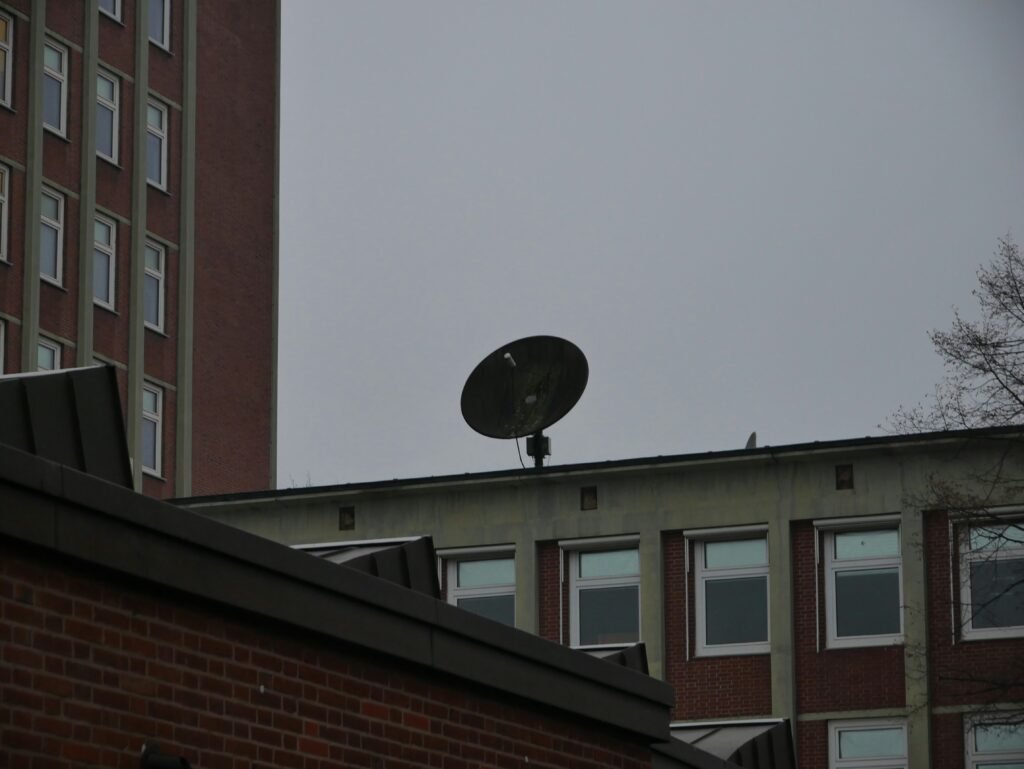
Satellite internet connects your home to the internet via a dish that communicates with satellites orbiting the Earth. When you click a link or load a video, the signal travels from your dish to space and back often covering tens of thousands of miles.
This long roundtrip is what causes high latency even if your download speed looks decent.
Real-World Performance
What it feels like to use satellite internet:
- High latency: noticeable delays on video calls or gaming
- Decent download speeds, often 25–100 Mbps (depending on provider)
- Very limited upload performance
- Weather-sensitive: rain, snow, and heavy clouds can affect signal
- Data caps and “fair use” policies often apply
Satellite can work fine for basic tasks but it’s not a good fit for time-sensitive or heavy use.
Pros
- Available almost everywhere, including remote rural areas
- No buried cables or wired infrastructure needed
- Quick to deploy in hard-to-reach areas
- Newer low-orbit satellite options (e.g., Starlink) are improving speed and latency
Limitations / What to Watch Out For
- High latency = frustrating for video calls, gaming, or real-time apps
- Often includes strict monthly data caps
- Equipment costs and setup fees can be high
- Performance varies greatly depending on your view of the sky and weather conditions
Best For
- Rural or remote locations with no wired internet options
- Users with basic internet needs: email, browsing, occasional streaming
- Temporary or off-grid setups
Side Note: What About Fixed Wireless & 5G Home Internet?
While fiber, cable, DSL, and satellite are the most common fixed-line internet types, there’s a growing fifth option especially in suburban and rural areas:
Fixed wireless and 5G home internet.
These aren’t quite the same, but both work by transmitting internet from nearby towers to a receiver at your home similar to how your phone gets cellular service.
Fixed Wireless
- Uses nearby towers to beam internet to a receiver dish on your home
- Often requires line of sight to work well
- Typically delivers 20–200 Mbps download speeds
- Latency is lower than satellite, but still not as fast as cable/fiber
- Sensitive to obstacles like trees, buildings, and bad weather
5G Home Internet
- Uses the same 5G cellular networks that power modern smartphones
- Delivered through a wireless gateway you plug in at home
- Can deliver speeds from 100 Mbps to over 1 Gbps, depending on your signal
- Performance depends heavily on location, tower congestion, and network strength
- Still being rolled out across much of the U.S.
When to Consider These Options
- You live in a rural area with no wired infrastructure
- You want a quick setup these often ship plug-and-play
- You don’t need super-high consistency for upload or latency-sensitive tasks
Just like with other internet types, real-world performance can vary dramatically so check availability, read reviews from neighbors, and ask about trial periods before switching.
Internet Types Compared: Fiber, Cable, DSL, and Satellite
This table compares the most common internet types based on speed, latency, stability, and availability.
| Feature | Fiber | Cable | DSL | Satellite |
| How It Works | Light over glass fiber | Electrical signal over coax | Electrical signal over phone line | Signal beamed to/from space |
| Download Speeds | 300 Mbps – 2+ Gbps | 100 Mbps – 1 Gbps | 5 – 100 Mbps | 25 – 100 Mbps |
| Upload Speeds | Symmetrical (300–1000+ Mbps) | 10 – 35 Mbps (much lower) | 1 – 10 Mbps | 1 – 10 Mbps |
| Latency | Very low | Low to moderate | Moderate | High (due to signal travel time) |
| Stability | Highly stable, no slowdown | May slow during peak hours | Stable if close to node | Weather and obstruction-sensitive |
| Congestion Risk | None (dedicated line) | Medium to high (shared lines) | Low | None (individual beam), but bandwidth caps apply |
| Installation | May require new cabling | Often uses existing coax | Uses phone lines | Requires dish + clear sky view |
| Availability | Limited but growing | Widely available | Common in older areas | Available almost everywhere |
| Best For | Heavy use, work-from-home, creators | Streaming, browsing, everyday use | Light use, rural access | Rural/no-wired areas, basic needs |
| Watch Outs | Not yet everywhere; cost | Upload speed + congestion | Slower with distance | Latency, weather, data caps |
How to Decide: Match the Tech to Your Home
We won’t tell you which internet type is “best.” Because the right fit depends on where you live, what you do online, and what’s available near you.
Here’s a practical, scenario-based guide to help you match the right tech to your everyday needs without sales spin.
If You Work from Home
Your priority: upload speed + stability
- Best fit: Fiber (ideal), Cable (decent)
- Avoid: Satellite high latency disrupts video calls
- Watch out for: Cable congestion, low DSL upload speeds
If You’re a Gamer
Your priority: low latency + reliability
- Best fit: Fiber, then Cable
- Avoid: Satellite the delay makes real-time gaming difficult
- DSL may work for casual play, but not competitive gaming
If You Stream a Lot of TV or Video
Your priority: consistent download speeds
- Best fit: Cable, Fiber
- Satellite and DSL can work, but may buffer during high demand
- Watch out for: Data caps on satellite or entry-level plans
If You’re in a Large Household
Your priority: shared bandwidth + peak-time consistency
- Best fit: Fiber (dedicated line)
- Cable can be fine, but may slow in the evenings
- DSL may struggle if many people are online at once
If You Live in a Rural Area
Your priority: basic access + availability
- Best fit: DSL, Satellite, or Fixed Wireless
- Fiber/cable often unavailable
- Watch out for: Long DSL loops (slower speeds), satellite latency
Final Thoughts: Honest Takeaways
Knowing how different internet types behave in real homes makes it easier to choose a service that fits your needs instead of chasing advertised speeds. Choosing internet service isn’t just about speed it’s about how the technology actually works in your home.
Here’s the bottom line:
- Fiber is the most stable and future-proof, but not yet available everywhere.
- Cable is widely accessible with great download speeds just watch for peak-hour slowdowns and low uploads.
- DSL still works for basic needs, especially in rural areas but it’s aging and speed depends on your location.
- Satellite fills the gaps where no other option exists but high latency and weather sensitivity make it a last resort for many.
And while fixed wireless and 5G are gaining traction, their performance varies by neighborhood, tower congestion, and weather.
At Quick Broadband, we believe in simplifying telecom, not selling it. Our goal is to give you the clearest picture possible so you can confidently choose what fits your life, your household, and your budget.
No jargon. No push. Just the facts that matter.